Cart
0
The two lighting problems every home office has
Most home office lighting is an afterthought — whatever fixture was already in the room when you moved in, maybe a desk lamp you grabbed on sale. And it works fine until it doesn't: until you're squinting at your screen at 2 p.m., or until you hop on a video call and your face looks like it's lit by a single candle in a cave.
These are two different problems, and they need two different fixes. A bright overhead light that helps you focus can still make you look washed out on camera. A warm, flattering ring light might be great for calls but useless for reading a dense spreadsheet for three hours. Getting both right means thinking about your work in two modes — and lighting for each one separately.
If your main problem is focus and eye strain
Deep-focus work — writing, coding, reading, designing — demands consistent, even light across your whole workspace. The enemy here isn't darkness exactly; it's contrast. When your monitor is significantly brighter than everything around it, your eyes are constantly adjusting, and that's what causes the end-of-day headache.
Start with the overhead fixture
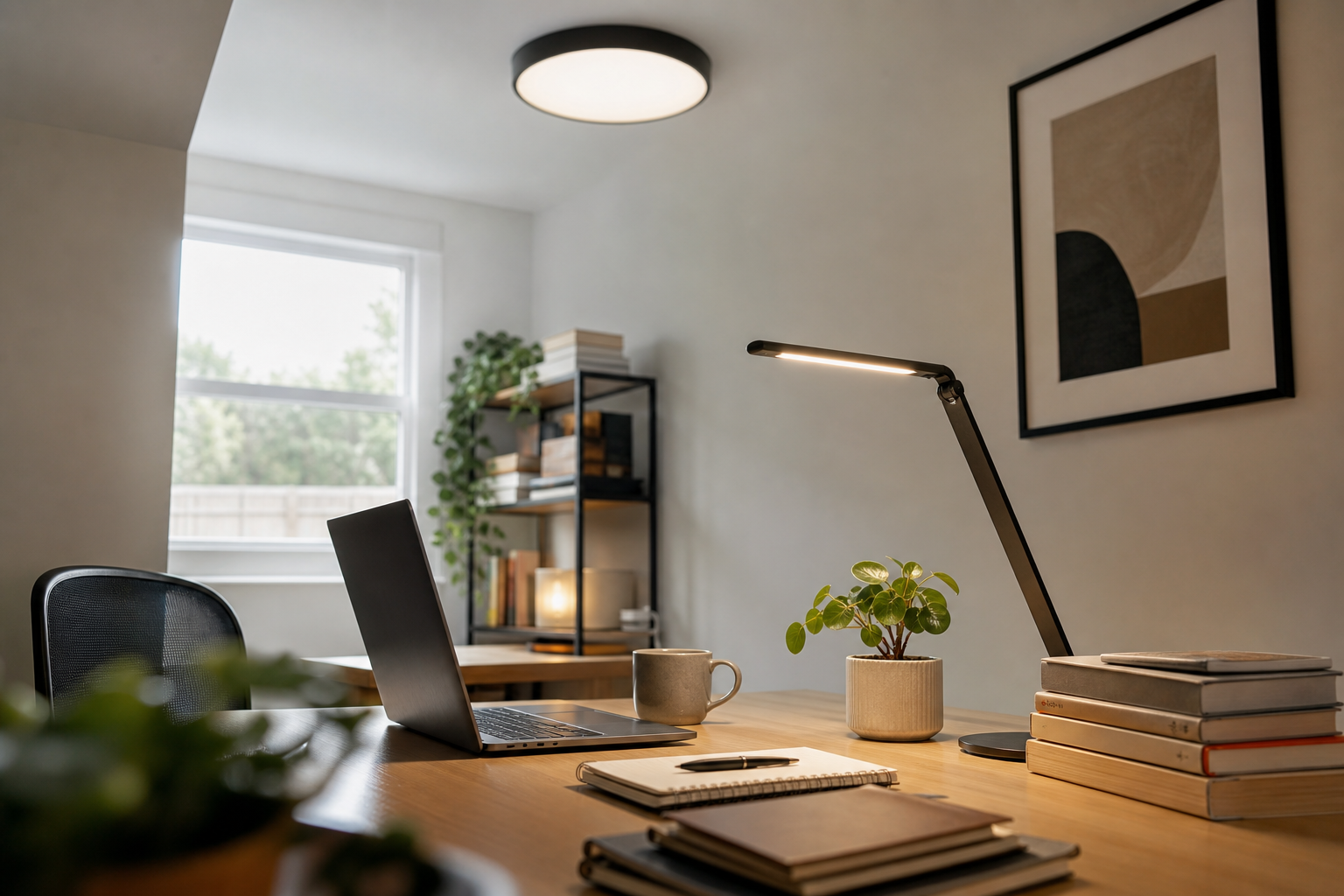
A flat, diffused ceiling light is your baseline. You want something that spreads light evenly across the room rather than throwing a harsh spotlight down. Flush-mount LED fixtures and LED panel lights do this well — they eliminate the bright-center, dark-edges effect you get from older-style bulbs in a basic dome fixture.
Color temperature matters here more than most people realize. For focus work, aim for the cool-to-neutral range — somewhere in the daylight or cool white spectrum. This kind of light signals alertness and keeps you from feeling drowsy mid-afternoon. Warm, amber-toned light is lovely for a living room in the evening, but it works against you when you need to concentrate at noon.
If your ceiling fixture is dimmable, even better. Being able to dial it up on overcast days and pull it back when the afternoon sun comes in gives you real control over the room's baseline brightness.
Add a task light for close work
An overhead fixture handles the room. A desk lamp handles your immediate work surface — the keyboard, the notebook, the physical documents. These are doing different jobs, and you need both.
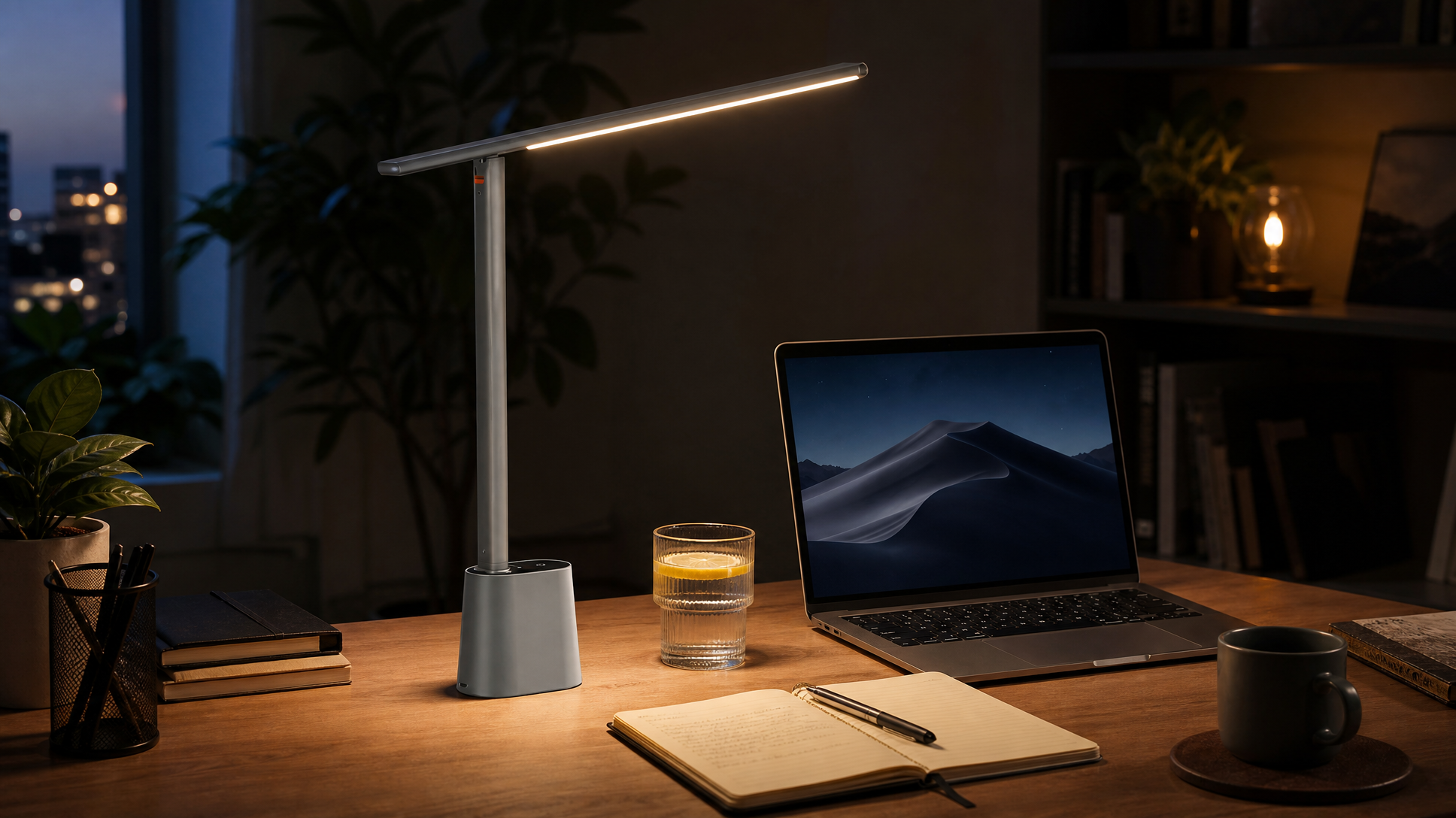
A good task lamp sits to the side of your dominant hand (so it doesn't cast a shadow across what you're writing), has an adjustable arm so you can point it exactly where you need it, and ideally lets you control brightness independently of the overhead. LED desk lamps with built-in dimming are ideal for this.
One thing worth doing: match the color temperature of your desk lamp to your overhead fixture as closely as you can. Mixing a cool ceiling light with a warm desk lamp creates a subtle visual clash that you stop consciously noticing but that still fatigues your eyes over a long day.
If your main problem is looking bad on video calls
This is a different challenge entirely, and the fix is almost entirely about where the light is coming from — not how bright the room is overall.
The fundamental rule of camera lighting: you want your primary light source in front of you, at roughly face level or slightly above, not behind you or overhead. A window behind you turns you into a silhouette. A ceiling light directly above creates unflattering shadows under your eyes and chin. Light in front of you, facing your face, is what makes you look like a person rather than a ghost or a shadow.
The window situation
If you have a window, face it. Seriously — rearrange your desk if you have to. Natural light from a window in front of you is the single best video call lighting upgrade available, and it costs nothing. The catch is that it changes throughout the day and disappears entirely after dark or on heavy overcast days, which means you can't rely on it alone.
When you need to supplement (or replace) natural light
A dedicated light source positioned in front of you — between your face and the camera — fills in what natural light can't. This doesn't have to be a ring light (though they work). A small LED panel, a bright desk lamp positioned just off-camera, or even a well-placed floor lamp in front of you can do the same job. The goal is a soft, even light source that's aimed at your face from the front.
For video calls specifically, a slightly warmer color temperature tends to be more flattering than the cool daylight tones that work well for focus. You don't want the orange glow of a bedside lamp, but something in the neutral-to-warm-white range tends to read better on camera than a harsh cool white. If your desk lamp or panel has adjustable color temperature, this is worth experimenting with.
The no-window scenario
Spare bedrooms, basement offices, interior rooms with one small window that faces a wall — these are genuinely harder, and the honest answer is that you have to work a little harder to compensate.
In a windowless or near-windowless home office, your lighting has to do everything: provide enough brightness to prevent eye strain, keep you alert through a full workday, and give you something decent on camera. A few things help:
- Go brighter than you think you need. Without natural light as a reference, rooms tend to feel dim even when they're not underlit by normal standards. A higher-output ceiling fixture or multiple light sources working together make a real difference.
- Use cooler color temperatures during work hours. In the absence of daylight, a cool-white LED helps compensate for the alertness cues your brain would normally get from sunlight. You can swap to warmer light at the end of the day when you're winding down.
- Layer your light sources. One overhead fixture and one desk lamp is the bare minimum. In a room with no windows, adding a floor lamp or a second light source on the opposite side of the desk helps eliminate shadows and makes the space feel less like a bunker.
- For video calls, position a dedicated front light close to your camera. In a dark room, the contrast between your lit face and the dark background behind you can look dramatic in a bad way. A front light solves the face problem; if the background still looks too dark, a lamp behind you (pointed at the wall, not at the camera) can help fill it in without blowing out your face.
A quick checklist before you buy anything
Before adding fixtures or lamps to your cart, run through these questions:
- What's your ceiling fixture doing right now? If it's a single incandescent bulb in a basic fixture, that's the first thing to upgrade — an LED flush-mount or panel will immediately change the baseline quality of the room.
- Do you have a dedicated desk lamp? If you're relying entirely on overhead lighting for close work, you're missing the layer that prevents eye strain.
- Where does your primary light land relative to your camera? If it's behind you or directly above, no amount of brightness will fix your video calls.
- Can you control your lighting independently? Dimmers and adjustable color temperature give you flexibility across different times of day and different tasks — worth prioritizing over fixed-output fixtures when you have the choice.
Getting your home office lighting right isn't about buying the most expensive fixture — it's about placing the right light in the right spot for what you're actually doing. Fix the overhead for focus, fix the front light for calls, and layer in a task lamp for close work. That's the whole system.
Shop desk lamps, LED ceiling fixtures, and task lighting for your home office at LightsDaddy — free shipping on orders across the USA.
Frequently Asked Questions
What color temperature is best for a home office?
For focused work during the day, a cool-to-neutral white light generally helps with alertness and reduces eye strain. For video calls, a neutral-to-warm white tends to be more flattering on camera. If your fixtures support adjustable color temperature, you can shift between the two depending on what you're doing.
Do I really need both a ceiling light and a desk lamp?
Yes — they do different things. Your ceiling fixture handles overall room brightness and reduces contrast between your screen and the surrounding space. A desk lamp handles your immediate work surface and lets you direct light exactly where you need it. Using only one or the other usually means either a poorly lit room or harsh shadows on your work surface.
Why do I look so bad on video calls even when my room feels bright?
Brightness isn't the issue — direction is. If your main light source is behind you or directly overhead, it creates silhouetting or unflattering shadows on your face. You need light coming from in front of you, roughly at face level or slightly above, to look good on camera. Repositioning a desk lamp or adding a small front light near your camera makes a bigger difference than simply turning up the room brightness.
How do I light a home office that has no windows?
Layer multiple light sources: a bright ceiling fixture as your base, a desk lamp for close work, and a dedicated front light for video calls. In windowless spaces, cooler color temperatures during work hours help compensate for the absence of natural daylight cues. For calls, adding a lamp behind you pointed at the wall (not the camera) can soften a dark background without overexposing your face.