Cart
0
Discover how to optimize lighting for gaming rooms, ergonomic workspaces, and home offices to boost productivity, comfort, and eye health for programmers and gamers alike.
Optimal Lighting for Gaming Rooms, Ergonomic Workspaces, and Home Offices for Programmers
Estimated reading time: 9 minutes
Key Takeaways
- Layered lighting combining ambient, task, and accent light provides visual comfort and reduces eye strain.
- Adjustable color temperature and flicker-free LEDs support focus, relaxation, and circadian rhythm health.
- Monitor light bars and bias lighting reduce glare and improve screen contrast perception.
- Smart LED strips offer customizable atmospheres and enhance immersion for gaming and work.
- Effective cable management and ergonomic furniture integrate seamlessly with lighting setups for stability and neatness.
Table of Contents
- Lighting's Importance for Gaming and Work
- Layered Lighting Approach
- Optimal Color Temperature
- Flicker-Free and Adaptable Lighting
- Monitor Light Bars
- Bias Lighting Behind Screens
- Smart LED Strips
- Cable Management
- Ergonomic Furniture and Lighting
- Light Levels Optimization
- Natural Light Considerations
- Final Thoughts
- FAQ
1. Lighting's Importance for Gaming and Work
Whether gaming or programming, your eyes endure prolonged screen exposure. Insufficient or improper lighting causes headaches, blurred vision, and chronic eye strain. Ideal lighting balances brightness, minimizes glare, and harmonizes color temperature with your screen and surroundings. Good lighting also encourages proper posture, especially when used alongside ergonomic furniture like sit-stand desks, and keeps your workspace uncluttered and productive.
2. Layered Lighting Approach
A foundational strategy is to combine different lighting layers for both comfort and focus:
- Ambient Lighting: General illumination that prevents working or gaming in dark environments, reducing contrast-related eye strain.
- Task Lighting: Focused light on your desk to aid specific activities like typing or note reading.
- Accent Lighting: Decorative lights such as RGB LED strips that enhance room atmosphere without overwhelming the eyes.
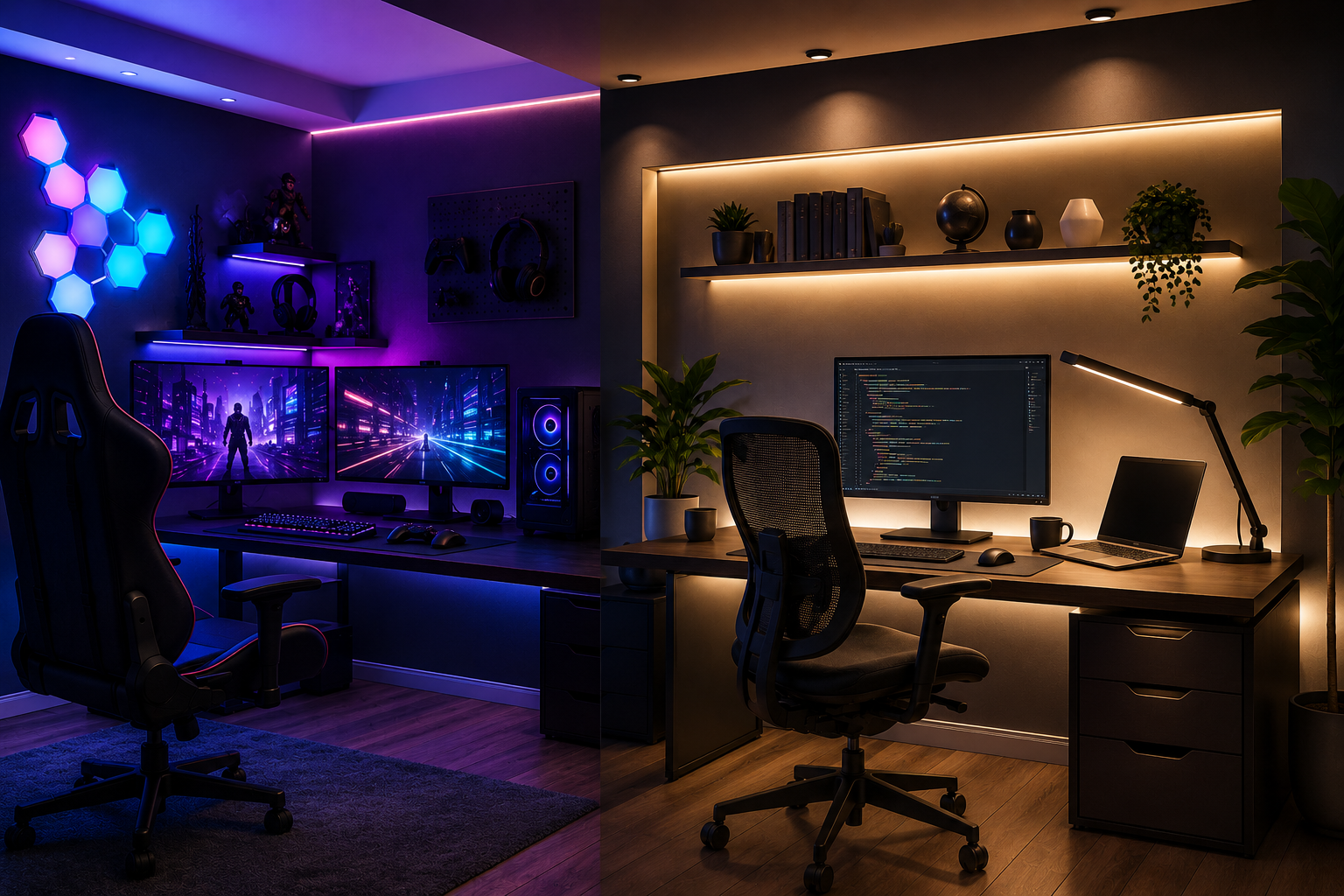
Gaming setups benefit from separate zones: bright task areas, bias lighting behind monitors, and subtle background lights to maintain immersion. Home offices use layered lighting to soften shadows and control reflections.
3. Optimal Color Temperature
Measured in Kelvins (K), color temperature influences alertness and relaxation:
- Daytime Focus (4000K–5000K): Neutral to cool white light promotes sharp concentration.
- Evening Relaxation (around 2700K): Warm light induces calm after extended screen time.
- High Color Rendering Index (CRI ≥80): Essential for accurate and vibrant color perception, particularly for design or color-sensitive programming.
Adjustable lighting systems that vary color temperature across the day help preserve your natural circadian rhythms and reduce eye fatigue.
4. Flicker-Free and Adaptable Lighting
Flickering lights, even imperceptible, cause headaches and eye strain over time. Choose flicker-free LEDs to ensure stable illumination. Key features to seek include:
- Adjustable brightness to match natural light and task needs.
- Color temperature controls to easily switch between cooler and warmer light.
- Dimming capabilities for glare reduction and comfort during low-light periods.
These controls enable a tailored lighting environment that supports long hours without strain.
5. Monitor Light Bars
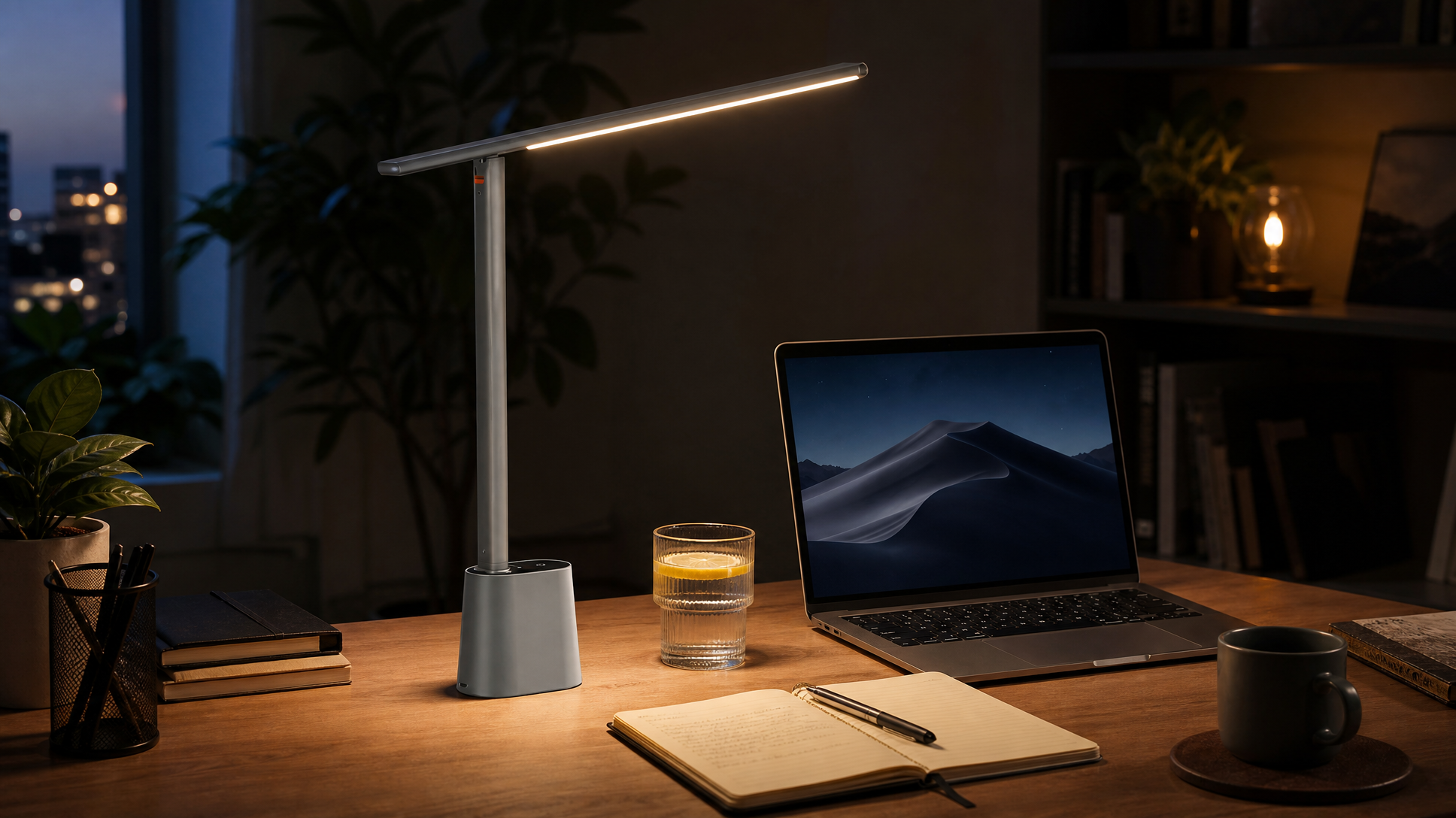
Monitor light bars are an increasingly popular task lighting accessory designed to reduce screen glare and improve visual comfort.
- Glare Reduction: Asymmetric light direction prevents direct illumination on the screen, lowering reflections.
- Even Light Distribution: Illuminates workspace uniformly without harsh shadows.
- Adjustability: Models like the BenQ ScreenBar Halo 2 offer customizable brightness and color temperature.
- Eye Comfort: Balanced desk lighting alleviates squinting and maintains relaxed eye focus.
For programmers and engineers, integrating a monitor light bar complements ambient lighting and natural light sources, enhancing long coding session comfort.
6. Bias Lighting Behind Screens
Bias lighting is a subtle backlight placed behind monitors to moderate the contrast between the bright display and the surrounding dark room.
- Eye Strain Mitigation: Eases eye transitions and reduces strain.
- Enhanced Color Perception: Makes screen colors less harsh, improving clarity.
- Recommended Color Temperature: Daylight-balanced 6500K LEDs align with most monitor displays.
Gamers often combine bias lighting with RGB LEDs for immersive effects, while professionals typically keep bias lighting neutral and unobtrusive (source).
7. Smart LED Strips
Smart LED strips provide dynamic lighting control through apps and voice assistants, allowing you to tailor color, brightness, and effects:
- Personalization: Adjust lighting moods to fit gaming or work needs.
- Content Synchronization: Sync lights with games or videos for immersive experiences.
- Energy Efficiency: LEDs consume less power and generate less heat.
- Easy Installation: Adhesive strips mount simply on desks, shelves, or walls.
RGB LED strips can add vibrant accents without glare, enhancing both ambiance and eye comfort during prolonged sessions (Philips Hue Gaming Lighting).
8. Cable Management
Cable clutter can compromise lighting effectiveness and create distractions. To maintain a clean, functional space:
- Use cable trays and clips to keep wires off the desk surface.
- Group cables with sleeves for a tidy appearance.
- Route cables neatly behind desks or along furniture edges.
- Secure power strips away from high-traffic zones to prevent accidents.
Well-managed cables ensure lighting paths remain unobstructed and equipment stable.
9. Ergonomic Furniture and Lighting
Lighting and ergonomics work hand in hand to enhance comfort and functionality:
- Stable desk surfaces prevent flickering shadows from unstable lamps.
- Adjustable furniture like sit-stand desks requires flexible lighting adjustments for height changes.
- Integrated cable channels support neat wiring setups that complement lighting configurations.
- Optimized desk space enables flexible positioning of lamps and light bars.
Choosing furniture with these features amplifies lighting benefits in your workspace.
10. Light Levels Optimization
To keep productivity high and eyes comfortable, aim for:
- Brightness: Approximately 500 lux on the work surface.
- Color Rendering Index (CRI): 80+ to ensure true-to-life colors.
- Color Temperature Range: Adjustable from 2700K (warm) to 6500K (cool daylight).
- Flicker-Free Illumination: To prevent visual fatigue during extended use.
Combining compatible bulbs, fixtures, and controls is essential to achieve this balance effectively (source).
11. Natural Light Considerations
The role of natural light varies by room design:
- Rooms with Windows: Use adjustable blinds or curtains to control sunlight and avoid harsh glare on monitors.
- Windowless Spaces: Rely more on layered artificial lighting and bias lighting to simulate natural light rhythms.
- Evening Transition: Dim lights and adjust color temperature to mimic twilight, supporting circadian health.
Considering natural light helps maintain consistent and healthful illumination throughout the day.
12. Final Thoughts
Lighting often plays a silently pivotal role in the comfort, productivity, and eye health of gamers, programmers, and engineers. By integrating layered lighting, flicker-free LEDs, monitor light bars, bias lighting, and smart LED technologies, you create an environment that minimizes strain and maximizes focus and enjoyment.
Pairing well-chosen lighting solutions with ergonomic furniture and tidy cable management forms a cohesive, efficient workspace. Invest in your lighting setup today and experience lasting benefits in well-being and performance tailored to your unique needs.
Explore premium lighting accessories to start building your ideal setup at BenQ and Philips Hue.
FAQ
What is the ideal brightness level for a gaming or programming desk?
Approximately 500 lux on the desk surface is recommended. This level provides sufficient illumination without causing glare or eye strain.
Why is flicker-free lighting important?
Flicker, even if imperceptible, can cause headaches, visual fatigue, and strain over time. Flicker-free LED lights ensure a stable light output that protects eye health during extended use.
How does bias lighting reduce eye strain?
Bias lighting reduces the contrast between your bright monitor and a dark room by softly illuminating the area behind your screen, easing your eyes’ adjustment and decreasing fatigue.
Can smart LED strips improve productivity?
Yes, smart LED strips allow you to customize lighting colors and brightness to match your mood and tasks, supporting focus during work and enhancing ambiance during gaming or relaxation.
How important is cable management for lighting effectiveness?
Cable management prevents shadows and light blockages caused by tangled wires. It also contributes to a tidy workspace where lighting fixtures and furniture can function optimally.