Cart
0


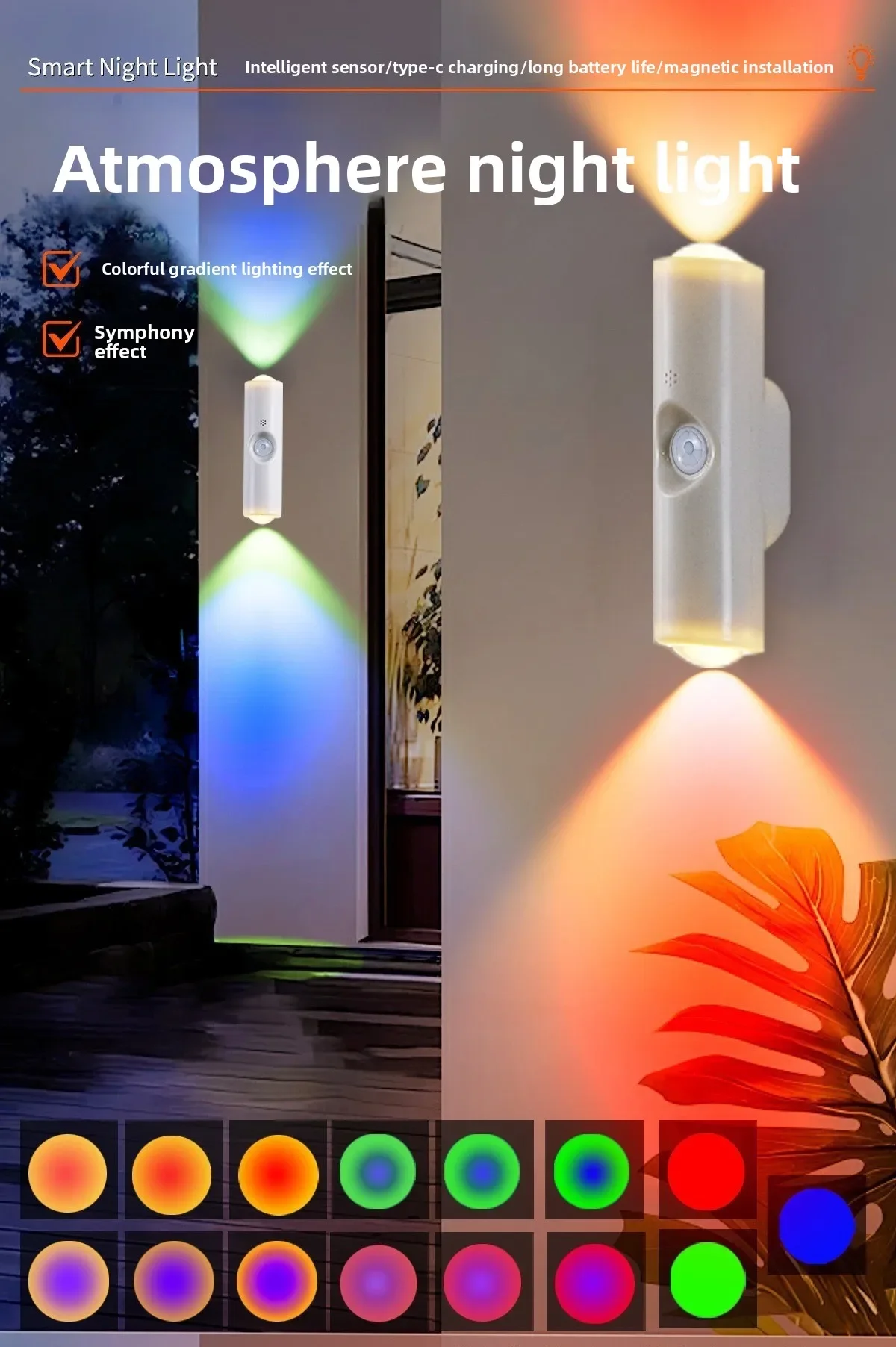
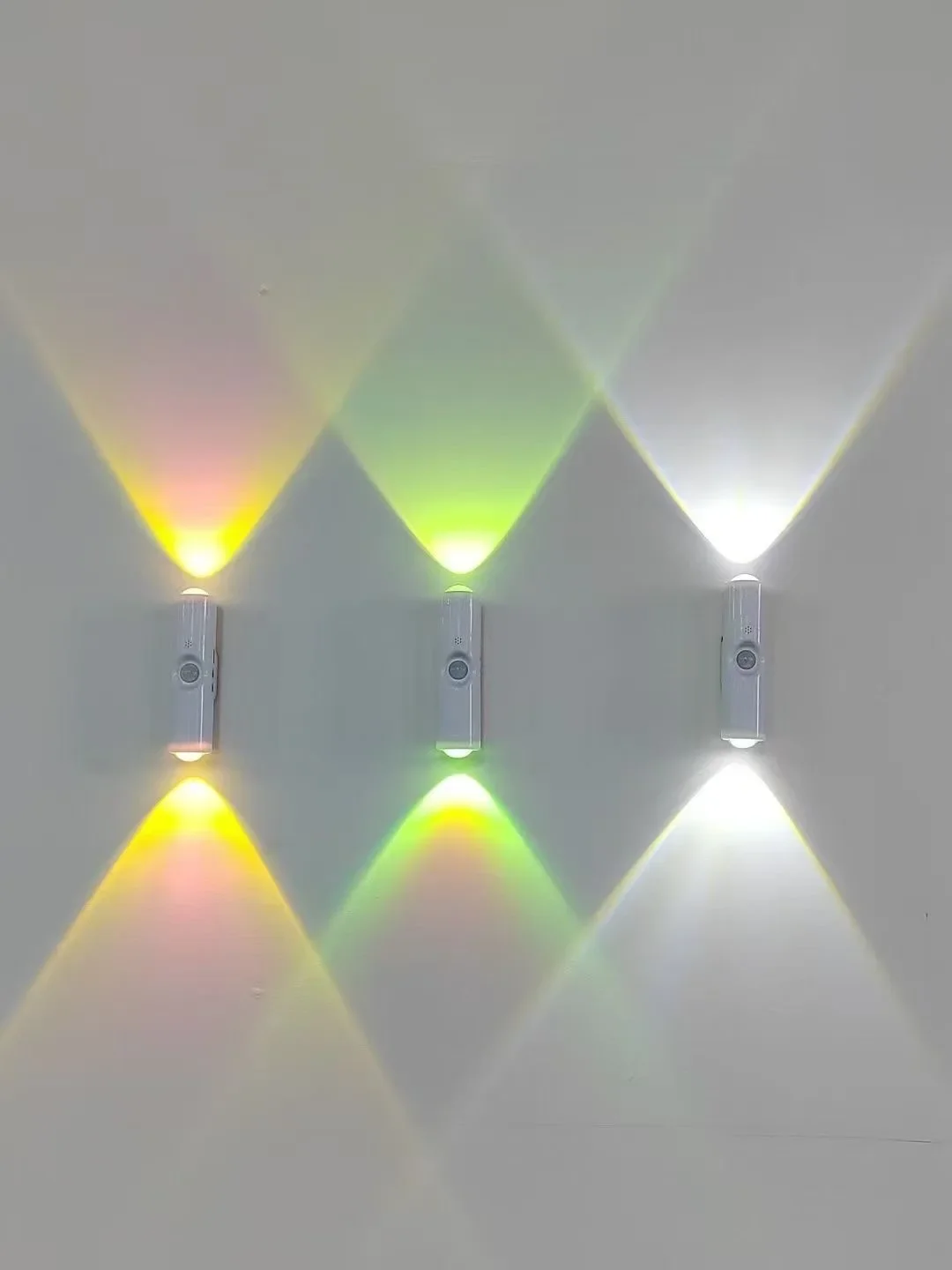
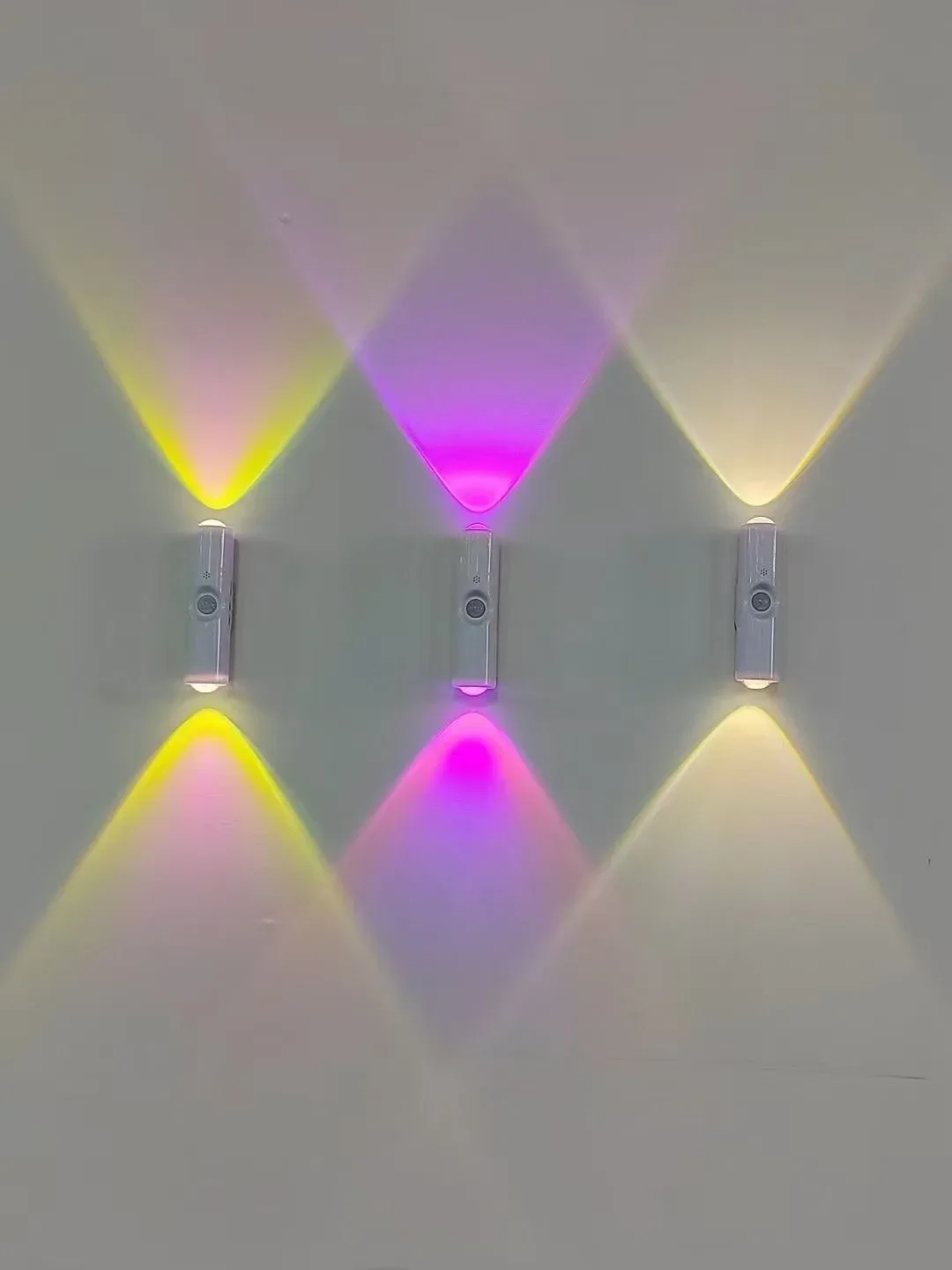
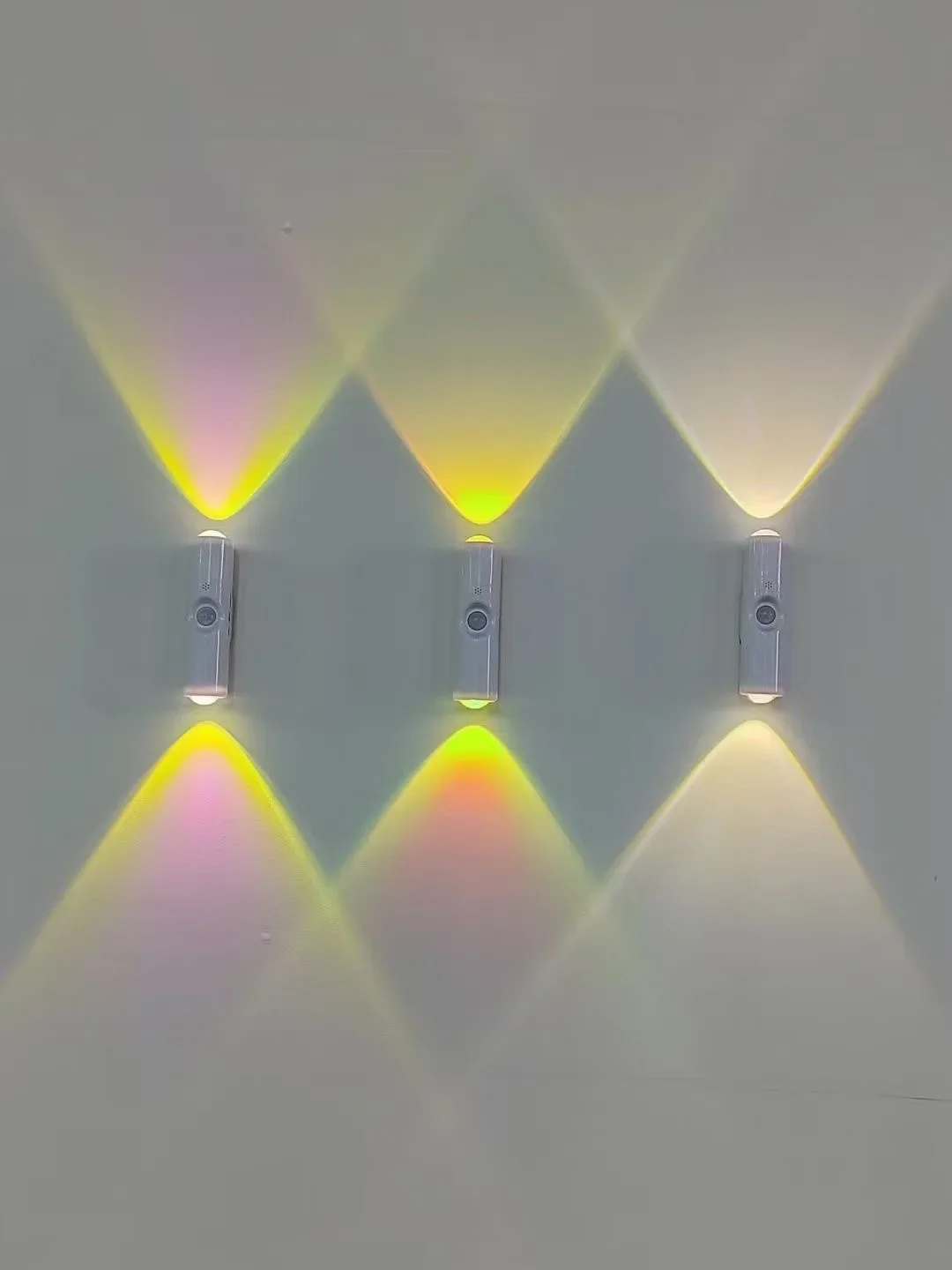
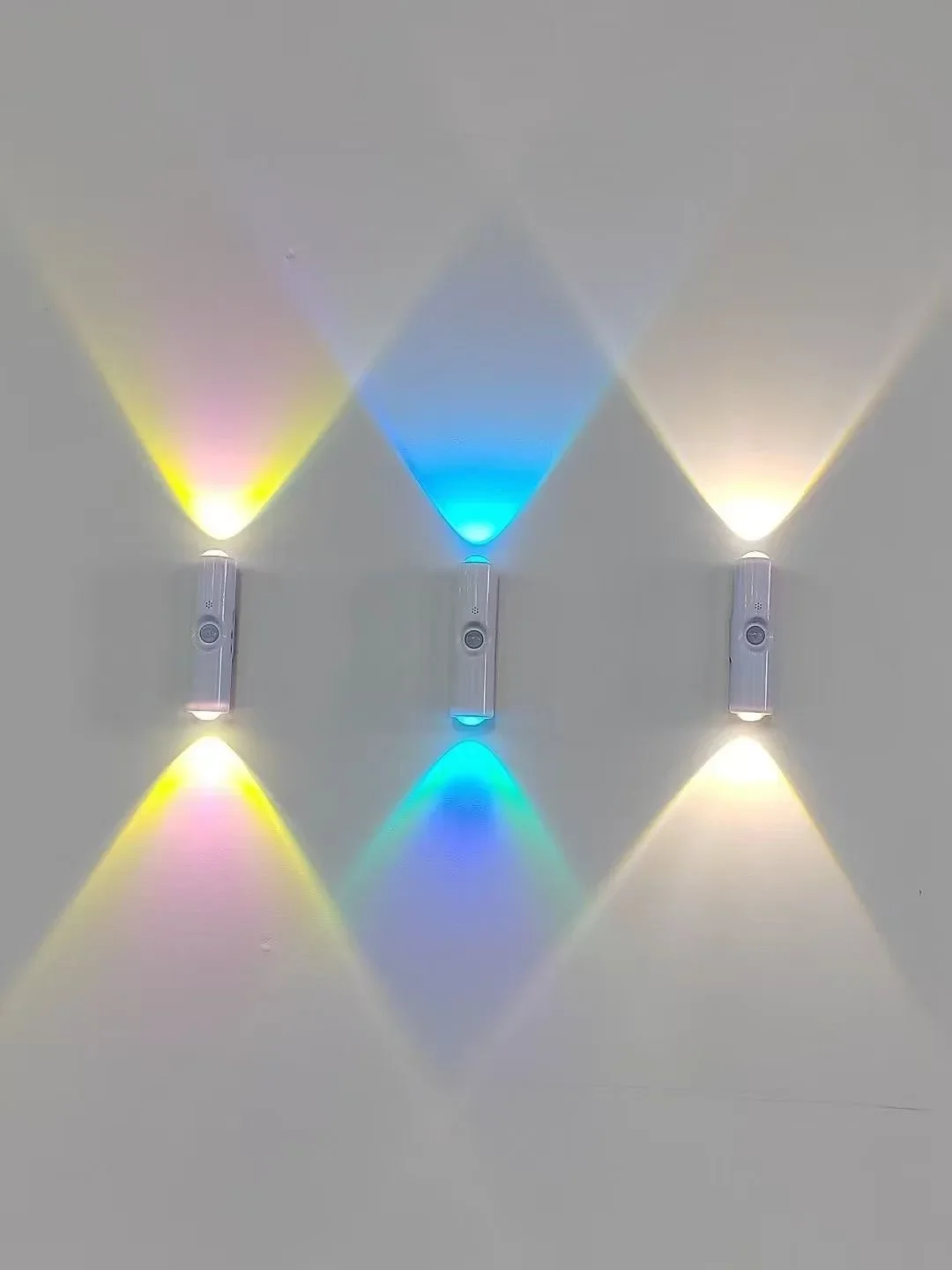
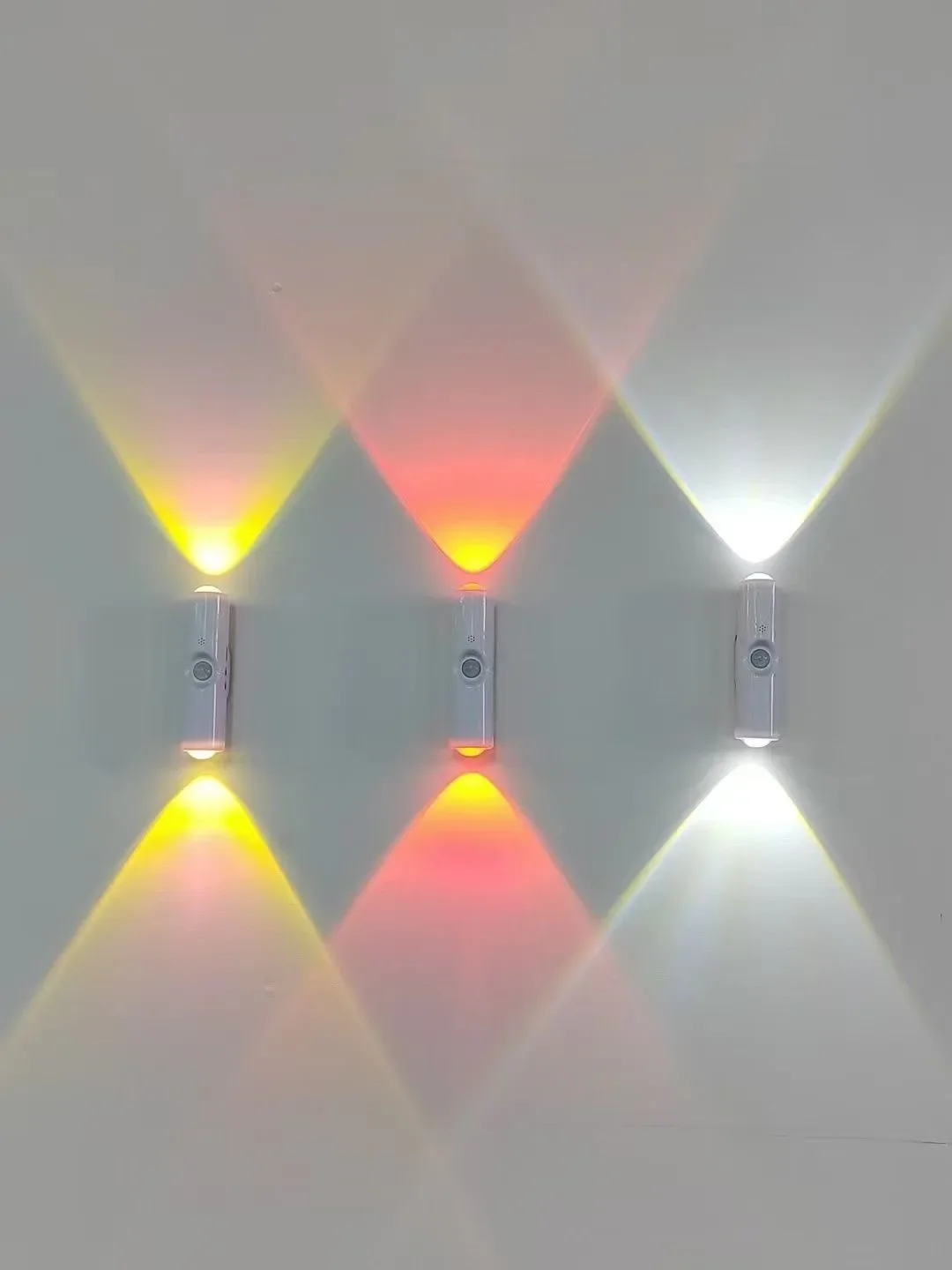
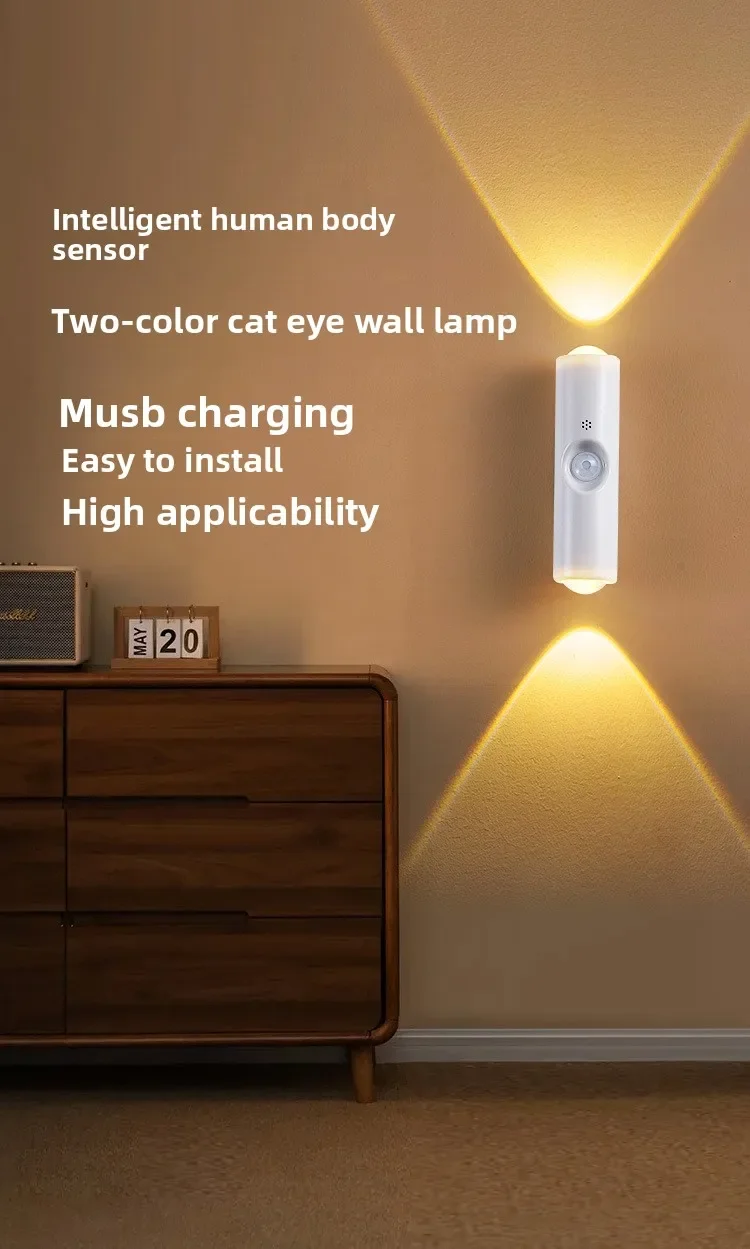
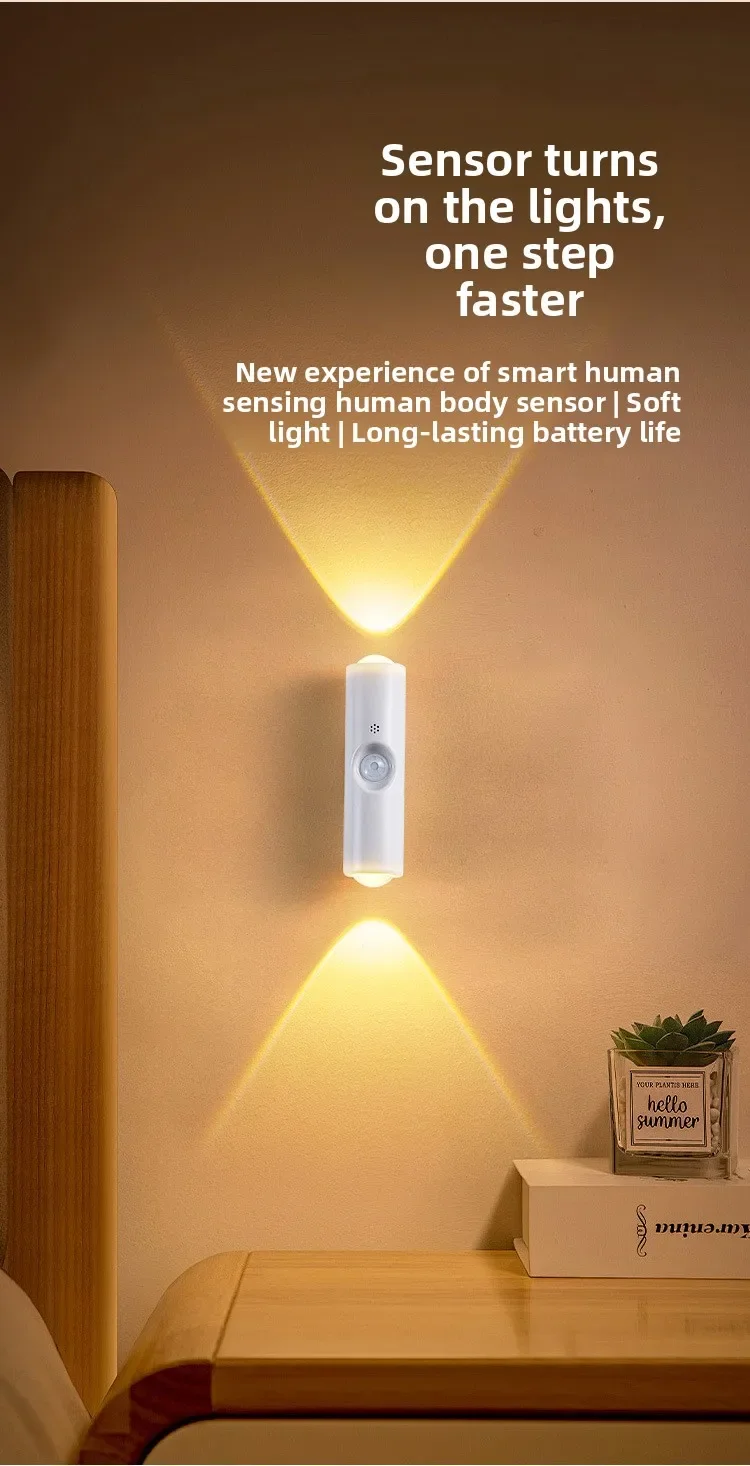
RGB LED Night Lights Double-head Sunset Light Motion Sensor Under Cabinet Lamp USB Charging Magnetic Bedroom Atmosphere Lighting
Free Standard Shipping Across USA
 WELCOME5: Use code WELCOME5 for 5% off on your first order
Couldn't load pickup availability
Vendor: Lightsdaddy
Type:
Sku: 1005009848469731-RGB 7 color 1pcs
Availability: In Stock
Sold by LightsDaddy, an authorized reseller.
Returns accepted within 30 days | support@lightsdaddy.com
Shipping Information
- Free Standard Shipping — United States only
- Processing Time: 3–5 business days
- Estimated Delivery: 6–10 business days after dispatch
- Securely packed to protect your lighting fixtures during transit
- Tracking number sent via email once dispatched
- Orders over $250 require signature upon delivery. Taxes calculated at checkout.
Returns & Refund
Returns accepted within 30 days of delivery.
Damaged or Defective Item
Free return shipping + replacement or full refund
Wrong Item Received
Free return shipping + replacement or full refund
Change of Mind
Return shipping at customer's expense · Item must be unused & in original packaging
All returns require a Return Authorization (RA) number before sending.
View Full Return & Refund Policy
Safety & Compliance
⚠️
California Proposition 65 Warning
Some products sold on this website may expose you to chemicals known to the State of California to cause cancer, birth defects, or other reproductive harm.
www.P65Warnings.ca.gov
⚡
Electrical Safety Warning
All electrical products must be installed by a qualified electrician in accordance with local wiring regulations. Incorrect installation may result in fire, electric shock, or injury.
Always disconnect power at the circuit breaker before installation.
💡
Bulb & Usage Advisory
Do not exceed the maximum wattage specified on the fixture label. Keep away from flammable materials. Allow adequate ventilation around the fixture.
Keep out of reach of children. Not suitable for wet locations unless rated IP65 or higher.
Guarantee safe checkout


RGB LED Night Lights Double-head Sunset Light Motion Sensor Under Cabinet Lamp USB Charging Magnetic Bedroom Atmosphere Lighting - RGB 7 color 1pcs
$18.75

SPECIFICATIONS
Assembly Required: No
Brand Name: NONE
Certification: ce,RoHS,CE
Choice: yes
High-concerned chemical: none
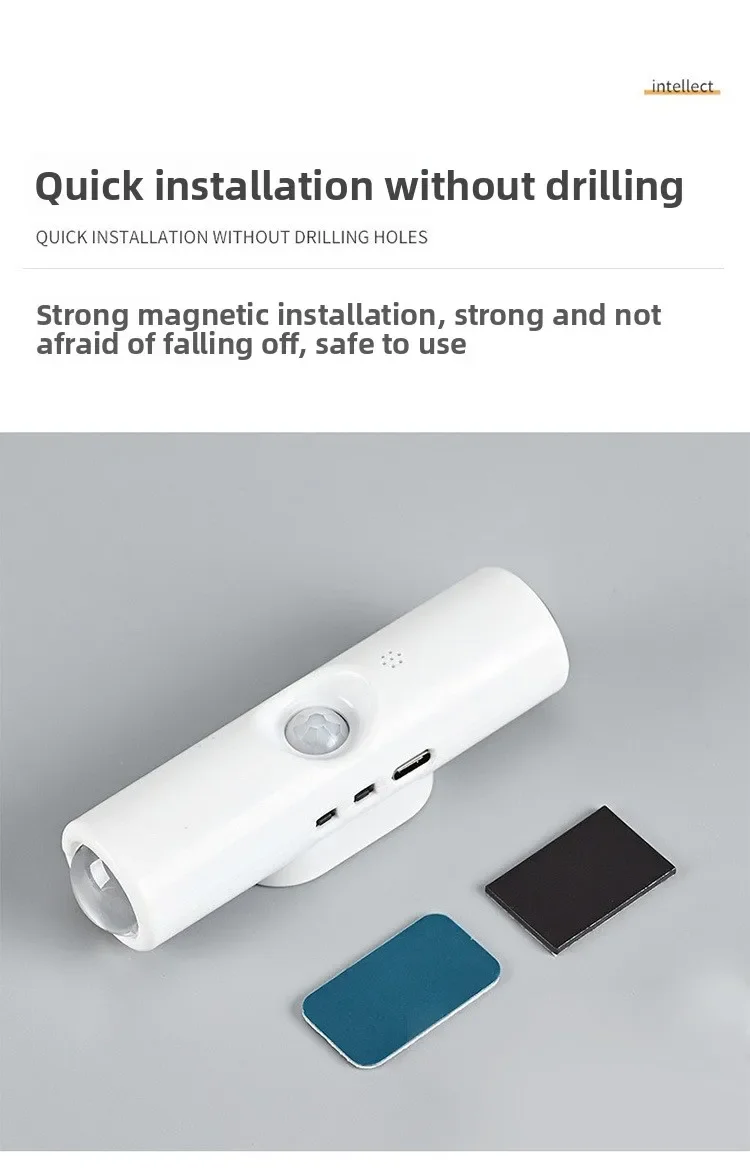
Installation Method: self-contained
Is Batteries Included: No
Is Bulbs Included: No
Is Smart Device: no
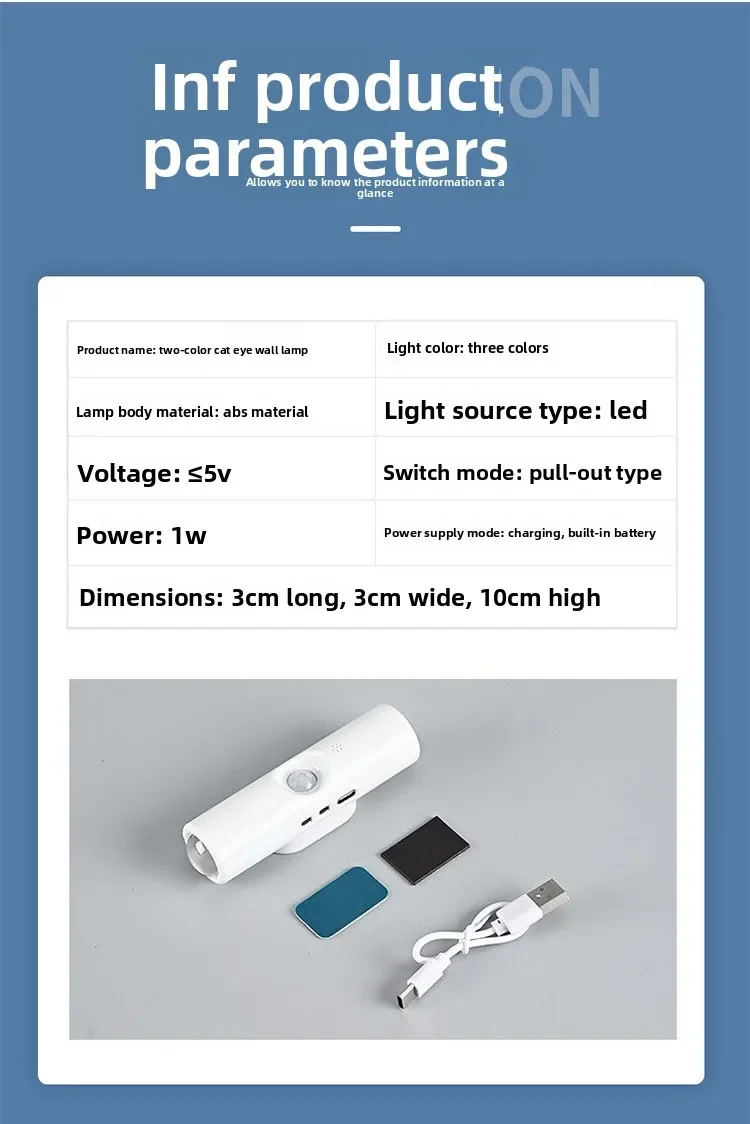
Luminous Flux: 249-2000
Origin: Mainland China
Power Source: DC
Voltage: 5V
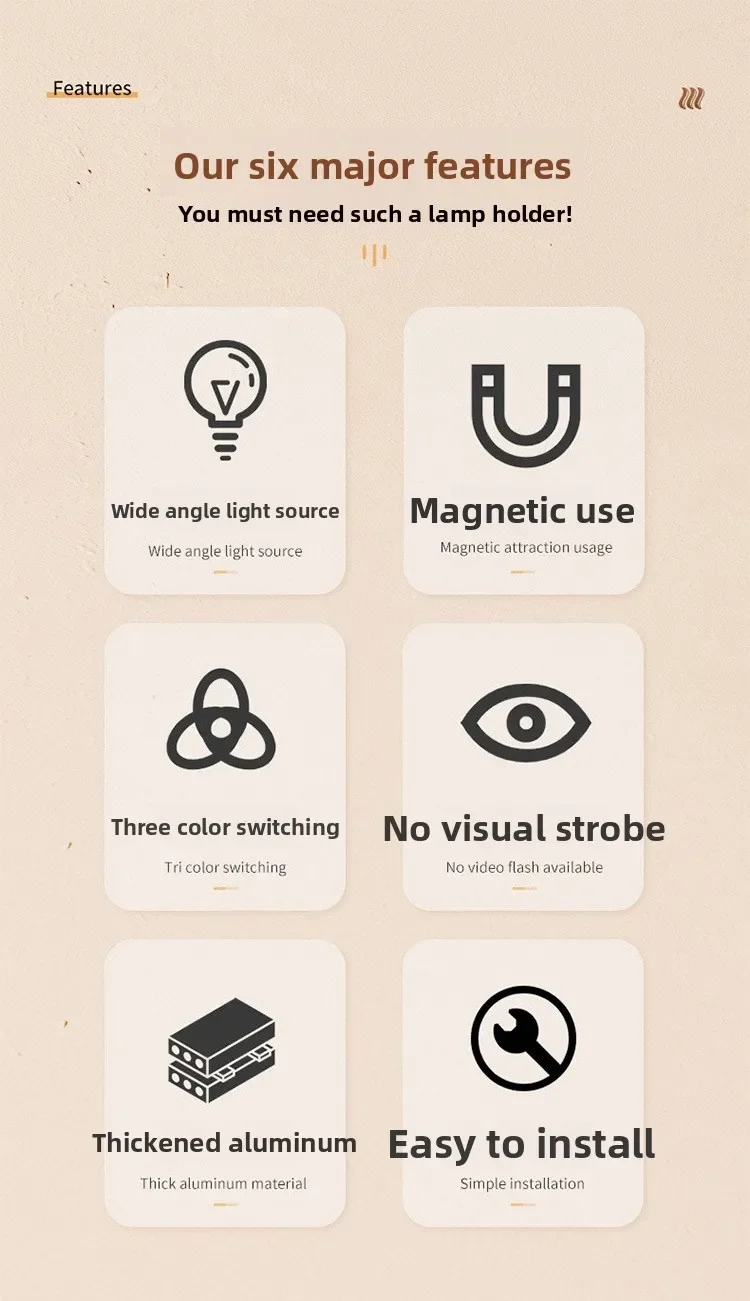
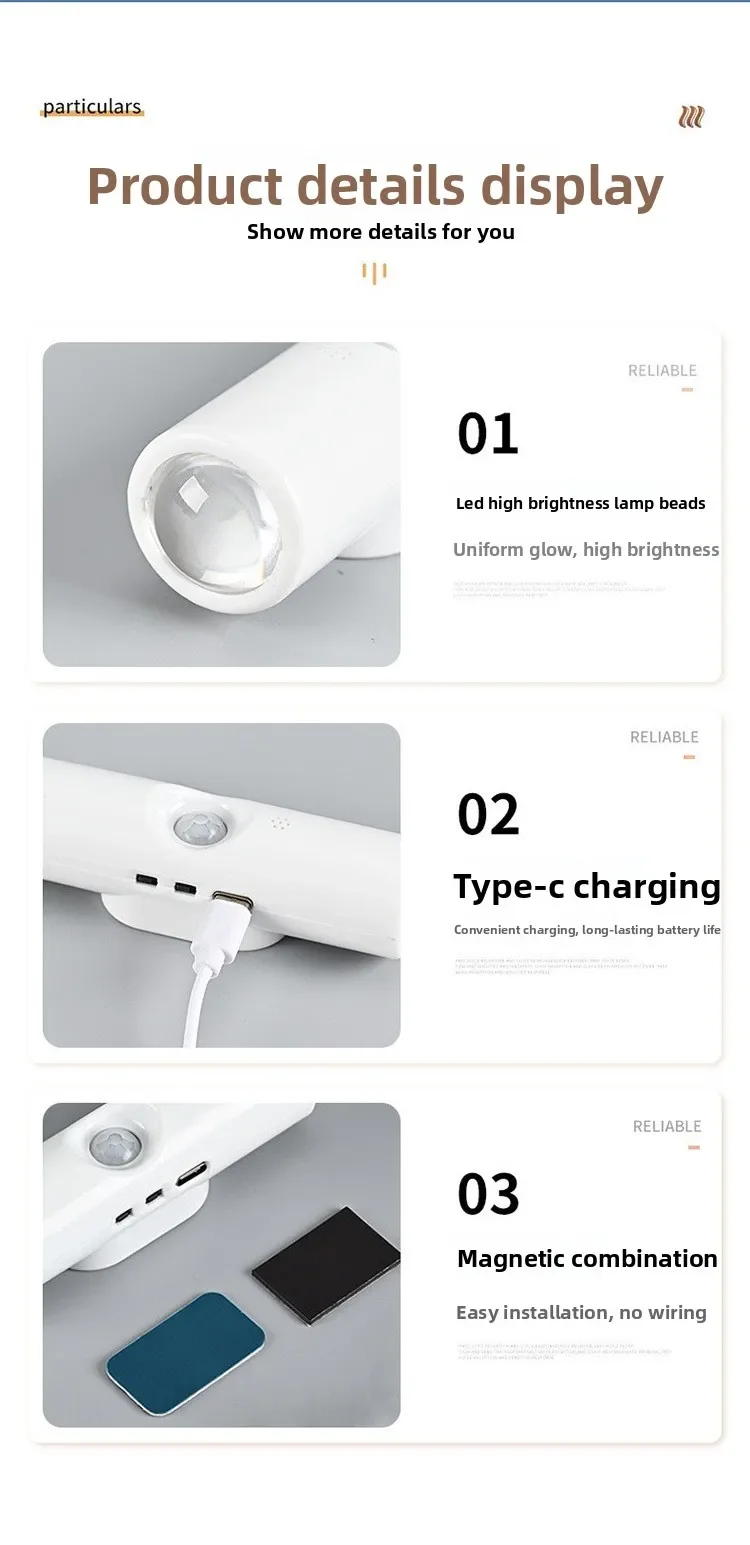
Double cat eye tri color dimming+rainbow color button operation:
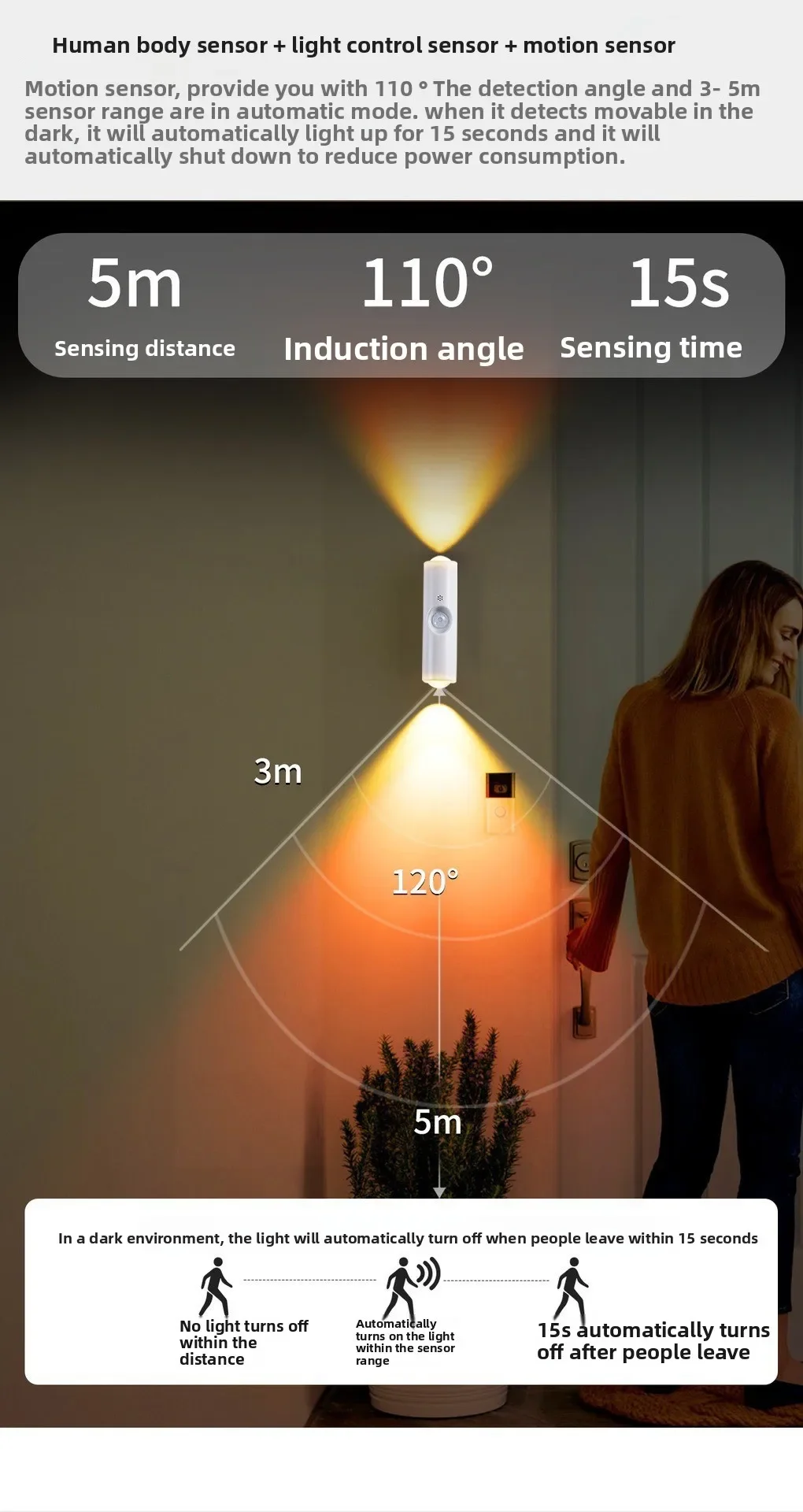
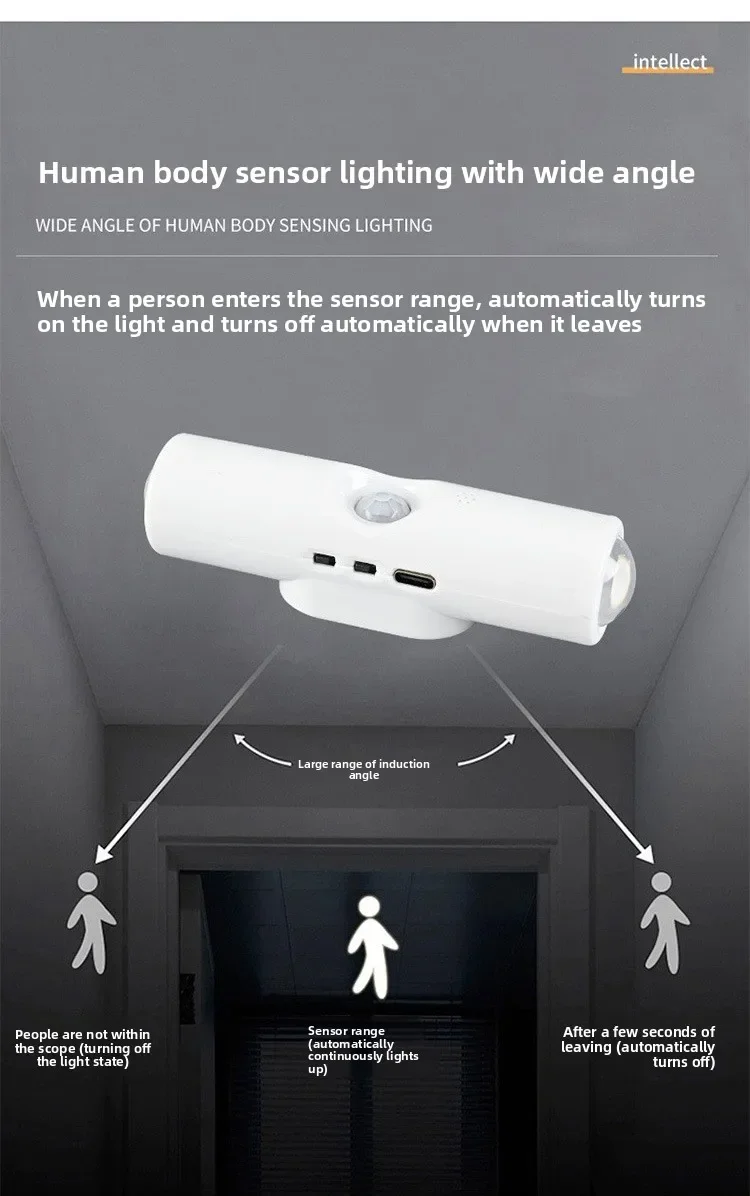
The button near the charging model is used to adjust the color and brightness of the light. Press it once to change the color, and long press to adjust the brightness; The outermost button is for switching and adjusting the sensing mode. Press the light to flash three times to enter the night sensing mode, press the light to flash twice again to enter the sensing mode (regardless of day or night, as long as a person is sensed, it will automatically light up), and finally press the light to flash once to enter the constant mode. Press the light again to turn off the light
The button near the charging model is used to adjust the color and brightness of the light. Press it once to change the color, and long press to adjust the brightness; The outermost button is for switching and adjusting the sensing mode. Press the light to flash three times to enter the night sensing mode, press the light to flash twice again to enter the sensing mode (regardless of day or night, as long as a person is sensed, it will automatically light up), and finally press the light to flash once to enter the constant mode. Press the light again to turn off the light
Double Cat Eye RGB Button Operation:
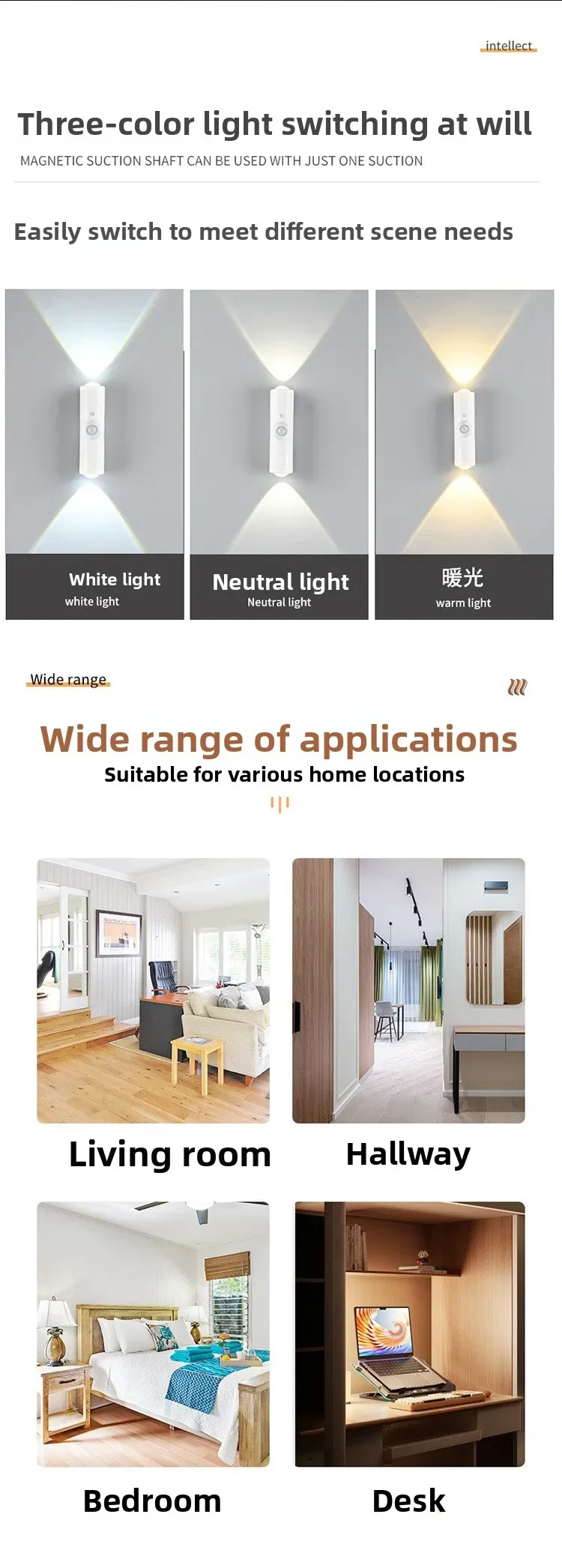
The button near the charging model is for switching and adjusting the sensing mode. Press the light to flash three times for the night sensing mode, press the light to flash twice for the sensing mode (regardless of day or night, as long as a person is sensed, it will automatically light up), and finally press the light to flash once for the constant mode. Press the light to turn off again to adjust the color and brightness of the light. Press to change the color, and long press to adjust the brightness; The color switch button next to it is monochrome from the first to the seventh, RGB slow flash in the eighth, and RGB flash in the ninth
⚠️ WARNING (California Proposition 65):
This product may contain chemicals known to the State of California to cause cancer, birth defects, or other reproductive harm.
For more information, please visit www.P65Warnings.ca.gov.

Customer Approved

Extensive Selection

Fast, Reliable Delivery